
Selecting the appropriate touch screen technology is crucial for both personal and business applications. The two primary types—resistive and capacitive—each offer distinct advantages and disadvantages. Understanding these differences is essential to make informed decisions that align with specific operational requirements.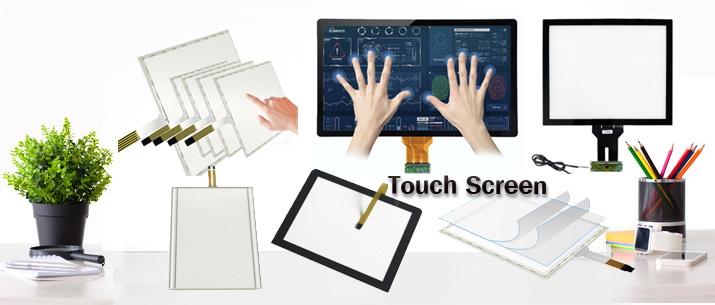
This article examines the characteristics of resistive and capacitive touch screens, highlighting their respective benefits and drawbacks in various settings. By analyzing these factors, readers can determine the most suitable technology for their particular use cases.
To provide a comprehensive analysis, we will explore the fundamental principles, advantages, disadvantages, and ideal applications of both resistive and capacitive touch screens.
Understanding the core differences between resistive and capacitive touch screens enables businesses and individuals to choose the technology that best fits their needs.
Table of Contents
- What Are the Fundamental Differences Between Resistive and Capacitive Touch Screens?
- How Do Resistive Touch Screens Perform in Various Environments?
- What Are the Advantages and Limitations of Capacitive Touch Screens?
- Which Touch Screen Technology Is More Cost-Effective for Commercial Use?
What Are the Fundamental Differences Between Resistive and Capacitive Touch Screens?

Key Differences Between Capacitive and Resistive Touch Screens
-
Input Method
- Capacitive: Requires a conductive touch, typically from a human finger.
- Resistive: Responds to pressure from any object, making it versatile for different input tools.
-
Touch Sensitivity and Multi-Touch Support
- Capacitive: Highly sensitive with support for multi-touch gestures.
- Resistive: Generally supports single-touch and requires more pressure for input recognition.
-
Durability and Environmental Resistance
- Capacitive: Offers a smooth, durable glass surface but can be sensitive to scratches.
- Resistive: More resistant to physical damage and can operate effectively in harsh environments.
-
Cost Implications
- Capacitive: Typically more expensive due to advanced technology.
- Resistive: More cost-effective, suitable for budget-conscious applications.
How Do Resistive Touch Screens Perform in Various Environments?
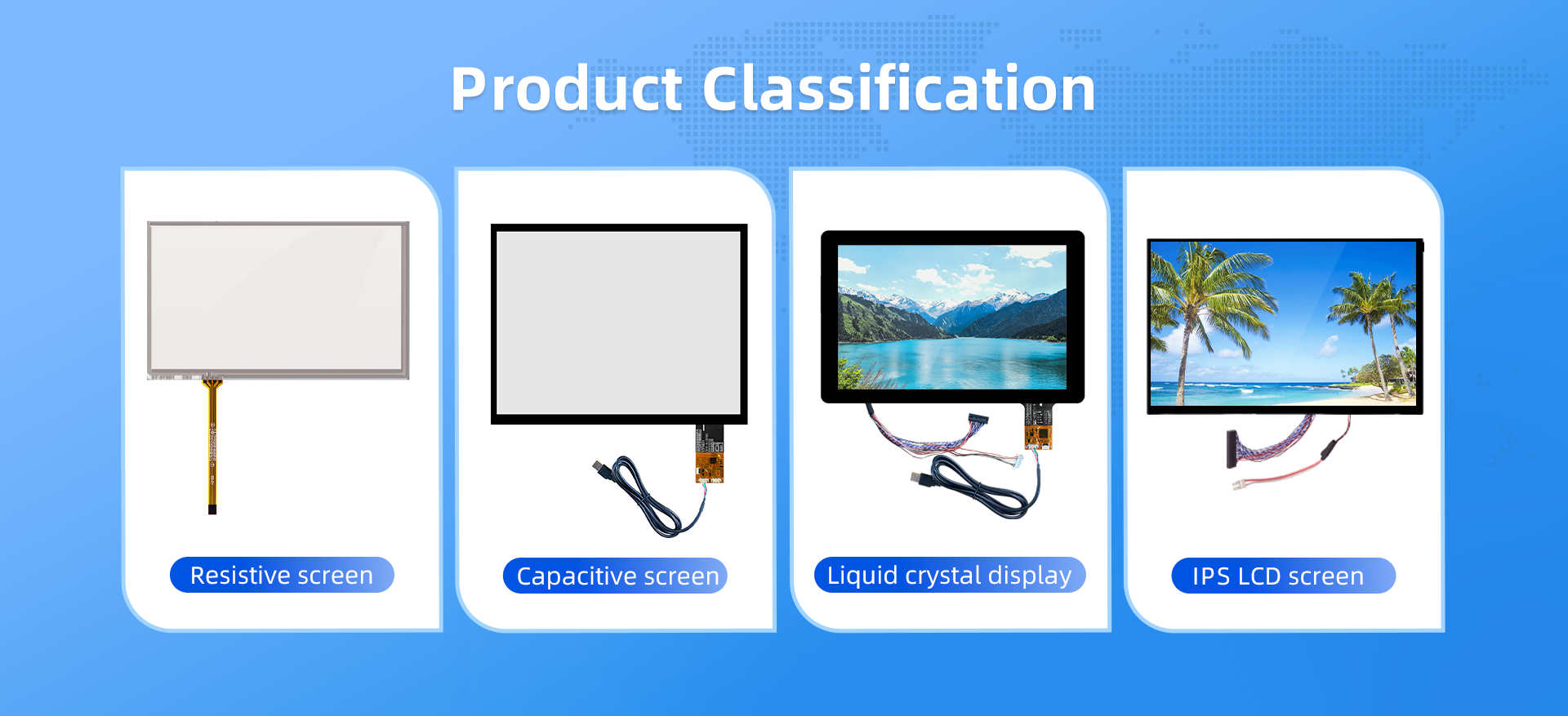
The performance of resistive touch screens varies across different settings, influenced by factors such as durability and environmental conditions.
Resistive touch screens excel in durability and can withstand scratches and physical damage, making them suitable for industrial and commercial environments.
Due to their robust construction, resistive touch screens are ideal for environments prone to rough handling, such as industrial sites and outdoor applications. Their ability to register input from various objects makes them practical in scenarios where users may wear gloves or use styluses. However, they may require more pressure to detect inputs and can be less responsive compared to capacitive screens.
- Resistive touch screens are durable and suitable for harsh environments.
- They accommodate input from multiple sources, including gloved hands and styluses.
- They may be less responsive and require more pressure to register input.
-
What Are the Advantages and Limitations of Capacitive Touch Screens?
Capacitive touch screens are widely used in consumer electronics due to their responsiveness and multi-touch capabilities.
Capacitive touchscreens offer superior optical performance compared to resistive touchscreens.
Capacitive touch screens provide a highly responsive user experience with support for multi-touch gestures, making them ideal for applications requiring quick and fluid interactions. They also offer superior optical performance, resulting in brighter and more vibrant displays with higher contrast ratios. However, they are more sensitive to environmental factors such as water and may not register input from gloved hands or non-conductive styluses. Additionally, they are generally more expensive to manufacture than resistive screens.
- Capacitive touch screens offer high responsiveness and multi-touch capabilities.STTouch
- They provide superior optical performance with brighter displays and higher contrast.
- They may not function properly with gloves or non-conductive styluses.
- They are more susceptible to environmental factors like moisture.
- They tend to be more expensive than resistive touch screens.
Which Touch Screen Technology Is More Cost-Effective for Commercial Use?
Cost considerations play a significant role in selecting touch screen technology for commercial applications.
Capacitive touch screens tend to be more expensive, particularly for high-end devices, due to their improved sensitivity and user experience. Resistive screens, by contrast, are more cost-effective and are a better option for applications where budget constraints are a priority.
