Large touch panels have become indispensable tools in various settings, from corporate boardrooms to classrooms and public information kiosks. Selecting the right panel involves understanding essential features and matching them with your specific needs. Let’s explore the crucial factors to consider.
Display Size and Resolution: The size should align with your space, while the resolution determines the clarity of visuals. For example, 4K displays offer exceptional detail, making them ideal for presentations and multimedia.
Touch Technology: Options include capacitive, infrared, or resistive touch. Capacitive screens are responsive and durable, while infrared is excellent for multi-touch capabilities.
Durability: High-traffic areas require robust panels with features like anti-scratch glass and water resistance.
Connectivity: Look for HDMI, USB, and wireless options to integrate seamlessly with existing systems.
Additional Features: Integrated speakers, PCs, and software compatibility add value and versatility.
What Are the Key Features to Consider When Choosing a Large Touch Panel?
What Are the Benefits of Using Large Touch Panels in Education?
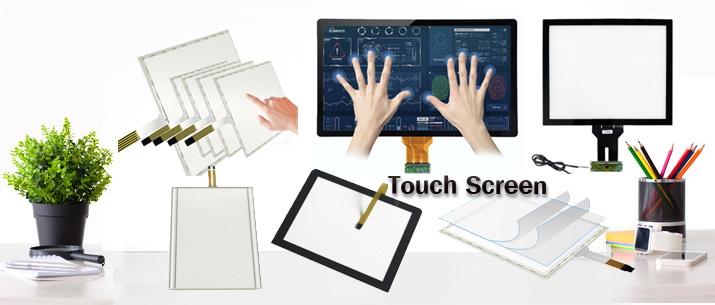
Modern touch panels significantly improve collaboration and productivity during business meetings. Here’s how:
Interactive displays allow multiple participants to engage simultaneously, fostering teamwork. Multi-touch capabilities ensure smooth interaction during brainstorming sessions.
High-resolution screens enhance the clarity of presentations, making data and graphics more impactful. For instance, Crestron’s 4K touch panels provide stunning visuals.
Compatibility with meeting software like Zoom or Microsoft Teams ensures a smooth experience, reducing setup time and technical glitches.
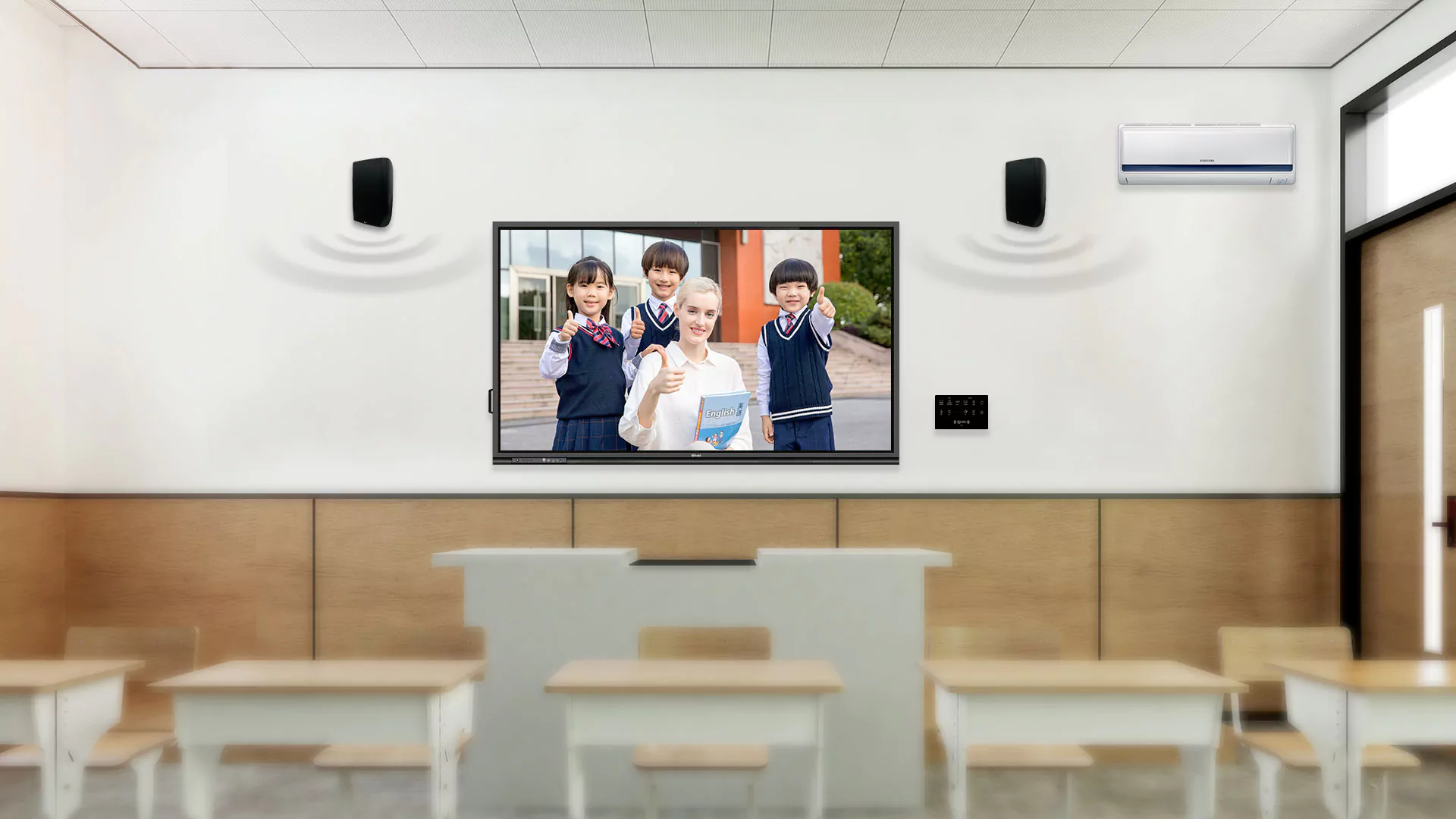
Interactive touch panels are transforming education by fostering engaging and interactive learning environments.
Students can interact directly with digital content, enhancing retention and understanding. Teachers can use interactive tools for real-time quizzes and feedback.
These panels support multimedia formats, enabling educators to integrate videos, animations, and simulations into their lessons.
Students can work on group projects directly on the panel, fostering teamwork and problem-solving skills.
Evaluate your current hardware and software to ensure compatibility. Look for panels that support popular operating systems and applications.
Utilize ports like HDMI, USB, and VGA or wireless options like Bluetooth for seamless integration.
Install required drivers and software provided by the manufacturer to optimize performance.

Large touch panels designed for outdoor environments must have specific features to withstand weather and heavy usage.
Outdoor touch panels should have weatherproof enclosures to protect against rain, dust, and extreme temperatures.
These features ensure visibility even in bright sunlight, crucial for outdoor applications.
Reinforced glass and robust frames make outdoor panels suitable for public spaces.
Large touch panels are versatile tools that enhance productivity and engagement across sectors. Whether for business, education, or public use, understanding their features and integration methods ensures you get the most value.

