The world of touch screen LCDs has transformed how we interact with technology. From smartphones and tablets to kiosks and automotive displays, touch screen LCDs have become an integral part of modern living. But what exactly are these screens, and how can they impact your daily life or business? This guide answers the critical questions and dives deep into what you need to know.
Discover the essential features, applications, and considerations of touch screen LCDs. Learn how to choose the right screen for your needs, avoid common pitfalls, and unlock their full potential.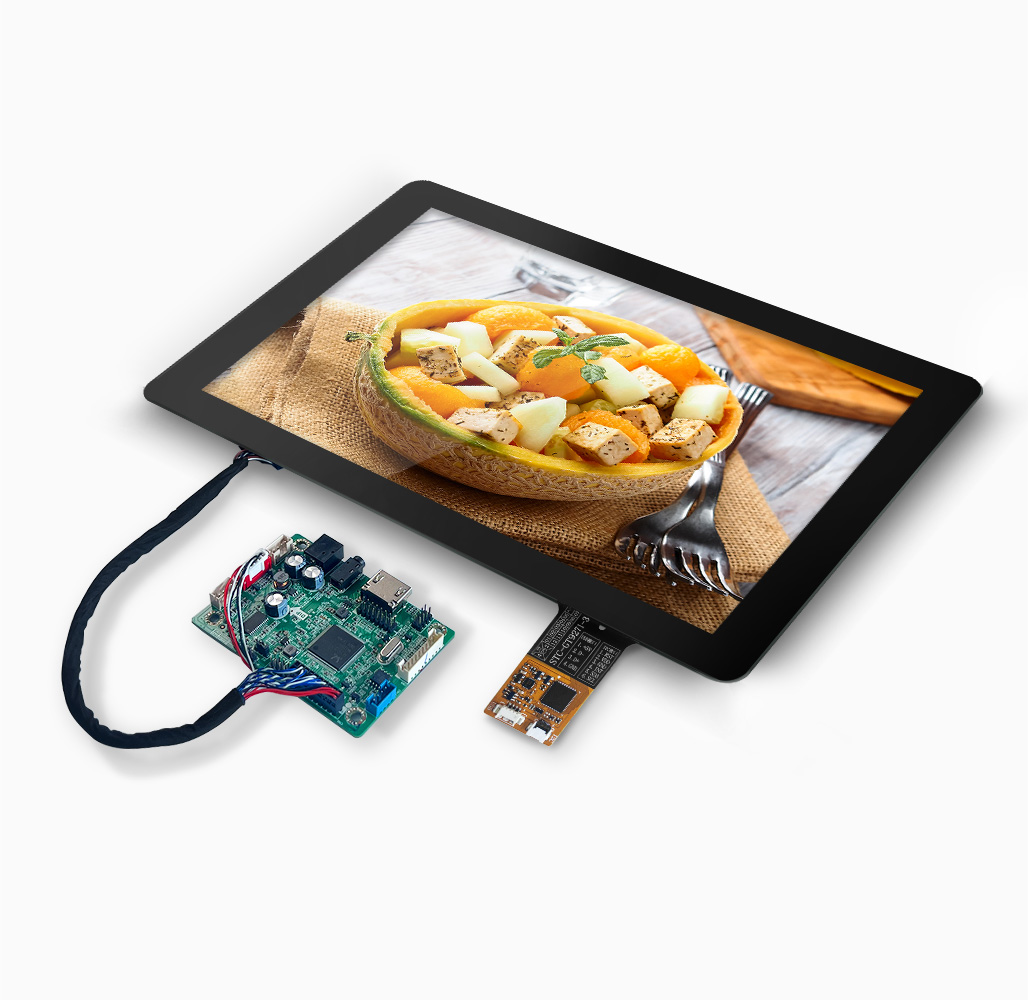
Before diving deeper into the specifics, let’s explore the most critical aspects that make touch screen LCDs a preferred choice for various industries and individual users alike. From functionality to design, there’s much to uncover.
Touch screen LCDs combine advanced display technologies with user-friendly interfaces, creating devices that are intuitive and effective for countless applications.

Understanding the different types of touch screen LCDs is vital for making informed decisions. Each type has its own set of strengths and weaknesses tailored to specific use cases.
Explore resistive, capacitive, infrared, and optical touch screen technologies. Learn which type fits your requirements, from precision to durability.
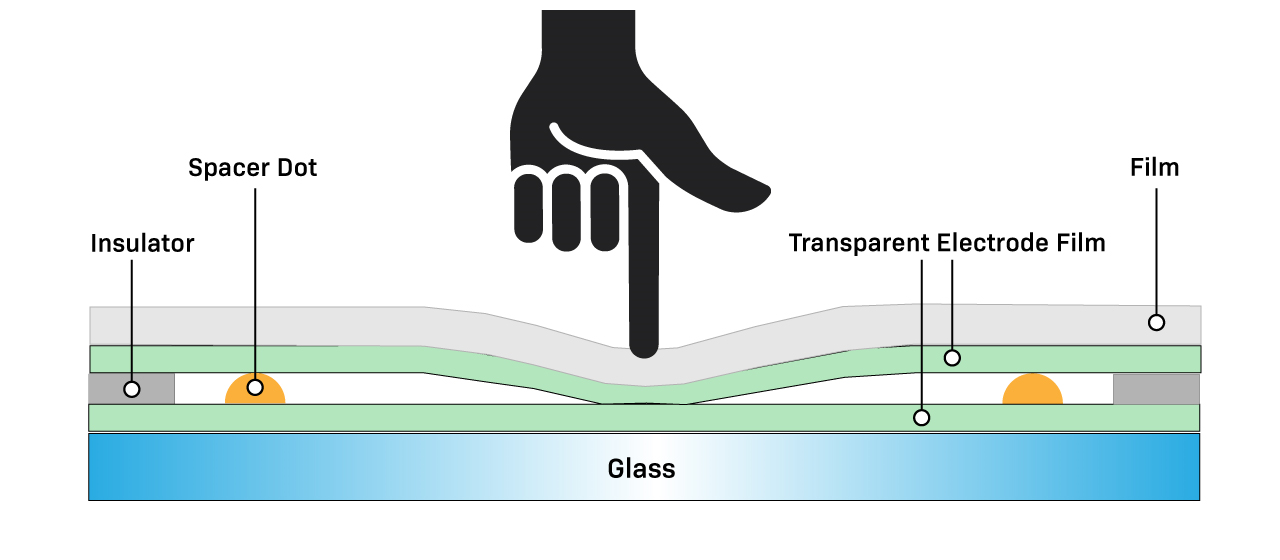
Resistive Touch Screens are cost-effective and highly precise, making them ideal for industrial and medical settings. Capacitive Touch Screens, on the other hand, offer a sleek design and multi-touch capability, perfect for consumer electronics. Infrared and optical screens bring unique advantages, such as durability and stylus compatibility, catering to specialty needs.
At their core, touch screen LCDs rely on intricate technologies to detect touch inputs and translate them into actionable commands.
Unpack the science behind touch sensitivity, LCD functionality, and how these elements combine to deliver seamless interaction.
Touch screens detect input using electrical signals, light disruption, or pressure sensitivity. Capacitive touch screens, for example, rely on electrical conductivity, while resistive screens respond to physical force. This combination ensures compatibility across a range of devices and environments.

With various screen options available, why do touch screen LCDs stand out? The answer lies in their practicality, aesthetics, and user experience.
Compare touch screen LCDs to traditional screens in terms of usability, design, and efficiency.
Touch screen LCDs eliminate the need for peripherals like keyboards and mice, simplifying user interaction. They also save space and create sleek, modern designs. In professional settings, touch interfaces enhance productivity by streamlining operations.
Choosing the right touch screen LCD involves evaluating factors like size, resolution, and durability. What’s essential for one use case might not apply to another.
Consider the critical criteria for purchasing a touch screen LCD, including technical specifications, compatibility, and intended usage.
Size and Resolution: High-resolution screens enhance clarity, while size affects usability. Durability: Industrial applications demand rugged designs, whereas consumer products prioritize style. Features: Additional functionalities like multi-touch or anti-glare coating can significantly influence usability.

Touch screen LCDs have revolutionized the way we interact with technology, blending innovation with usability. As advancements continue, they’ll only grow more integral to daily life and specialized applications. By understanding the options, functionalities, and considerations, you’re equipped to make informed decisions that meet your unique needs.

