
Accessibility is not just a trend—it’s a responsibility. In my experience, touchscreens have become one of the most versatile tools for creating inclusive user experiences. From public kiosks to personal devices, thoughtful touchscreen design ensures that technology is usable by everyone, regardless of ability.
Features for Seniors
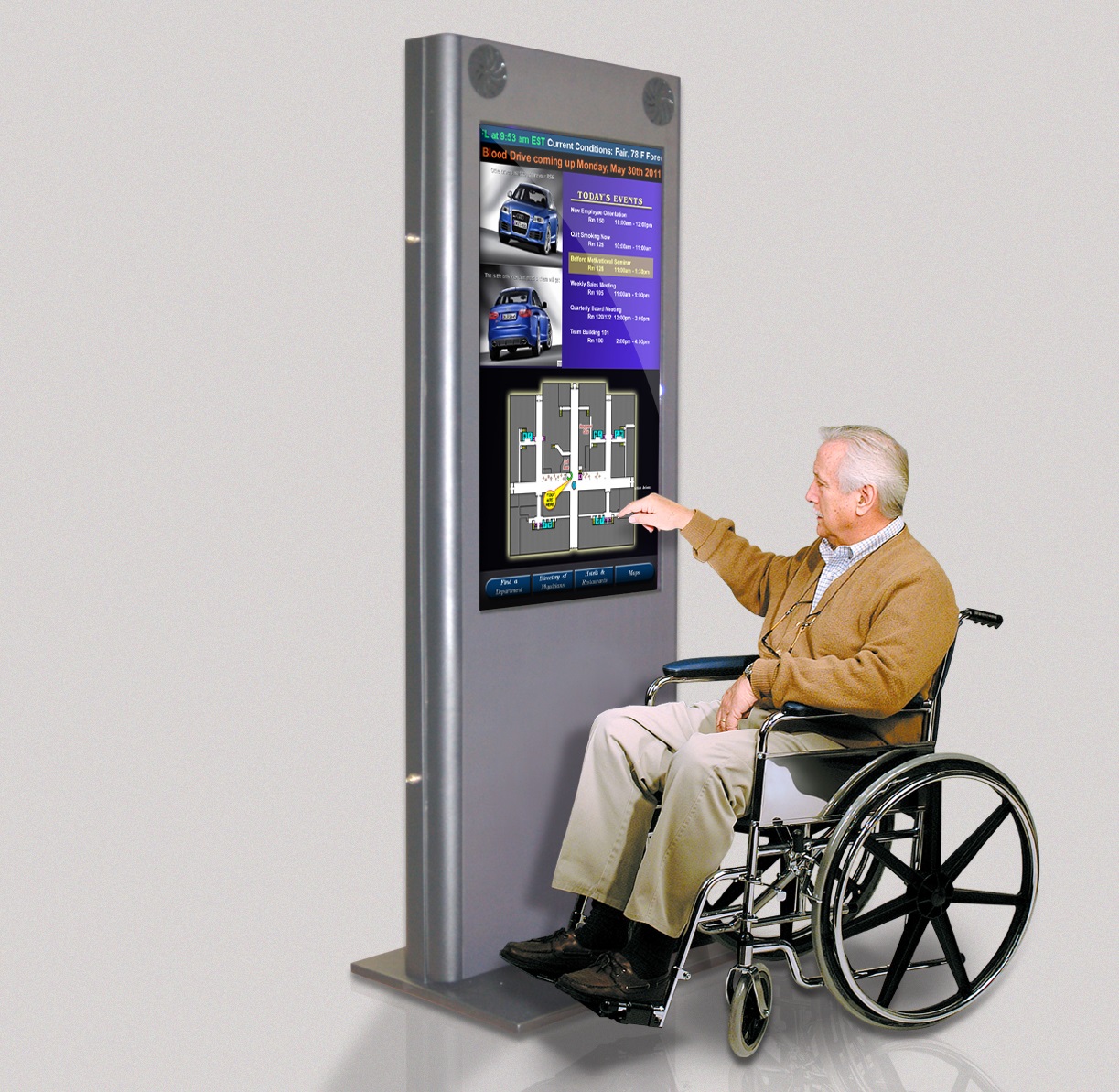
Larger icons, simplified interfaces, and adjustable brightness make touchscreens more senior-friendly. Many healthcare and banking kiosks now integrate these accessibility features to support elderly users who may struggle with complex UIs.
Support for People with Disabilities
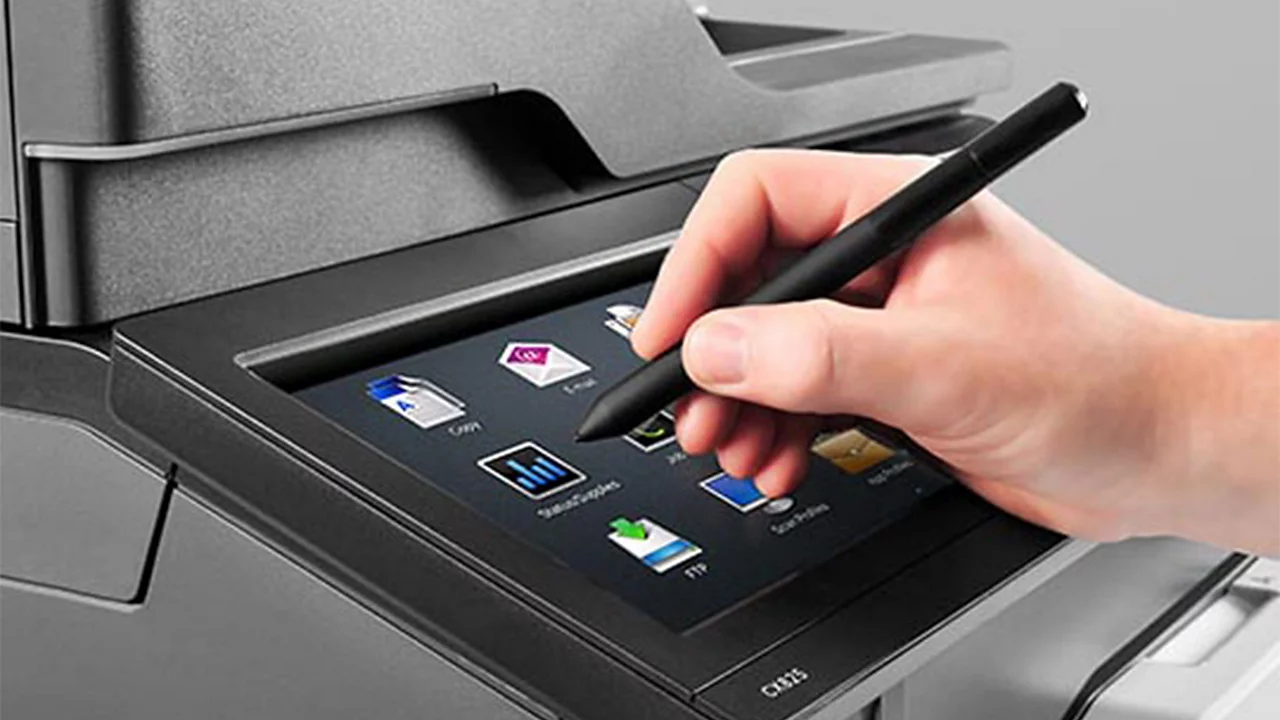
Touchscreens can integrate voice assistance, screen readers, and vibration feedback for users with visual or hearing impairments. For individuals with motor disabilities, customizable sensitivity and alternative input options ensure smoother interaction.
Public Accessibility Standards
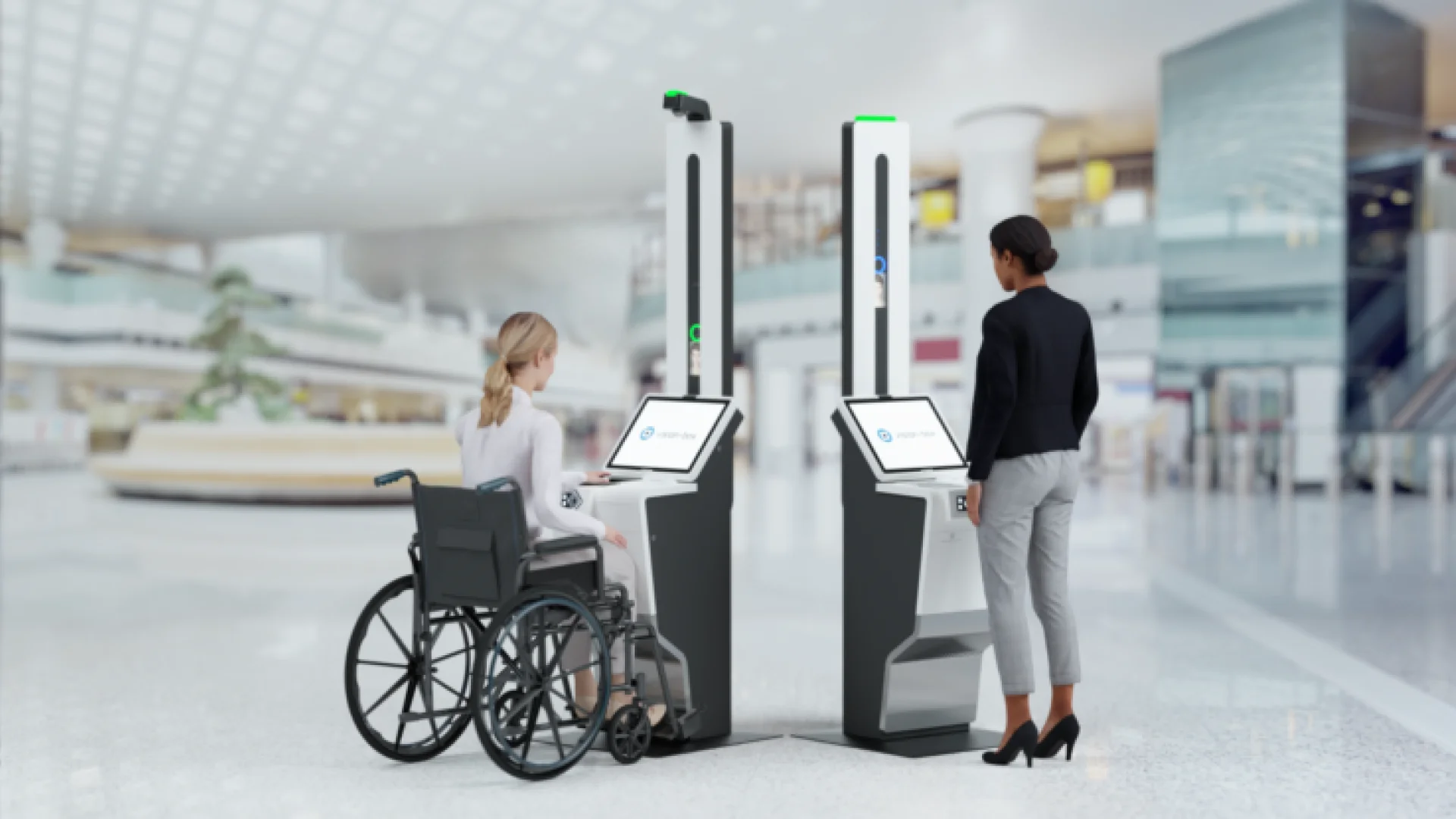
In many regions, accessibility standards such as ADA compliance guide the design of public touchscreens. This includes proper height, reach range, and tactile feedback options, ensuring equal usability in public spaces like transport hubs and government offices.
Inclusive Design for the Future
As technology advances, touchscreens will incorporate AI to adapt interfaces dynamically. By learning user behaviors, systems can personalize layouts, font sizes, and interaction modes, ensuring inclusivity remains at the core of design.
