Touch screen technology has become integral to our daily interactions with electronic devices, from smartphones and tablets to industrial machinery and medical equipment. Among the various types of touch screens, capacitive and resistive technologies are the most prevalent, each offering distinct advantages and limitations. Understanding the differences between these two technologies is crucial for selecting the appropriate touch screen for specific applications.
Capacitive touch screens, known for their responsiveness and multi-touch capabilities, are commonly found in consumer electronics. In contrast, resistive touch screens, valued for their durability and versatility, are often used in industrial and medical settings. This article delves into the operational principles, benefits, and drawbacks of both technologies to aid in informed decision-making.
To make an informed choice between capacitive and resistive touch screens, it's essential to explore their underlying technologies, performance characteristics, and suitability for various environments. The following sections provide a comprehensive analysis to guide your selection process.
The optimal choice between capacitive and resistive touch screens depends on the specific requirements of the intended application, including factors like environmental conditions, input methods, and desired user experience.
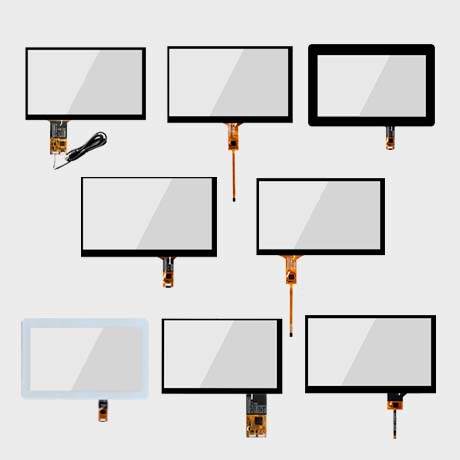
Capacitive touch screens detect touch input through the electrical properties of the human body. They are widely used in devices requiring multi-touch functionality and high sensitivity.
These screens consist of a glass panel coated with a transparent conductor. When a conductive object, like a human finger, touches the screen, it alters the local electrostatic field, allowing the system to pinpoint the touch location.
Capacitive touch screens are primarily categorized into surface capacitance and projected capacitance. Surface capacitive screens have a single conductive layer, while projected capacitive screens use a grid of conductive layers, enabling multi-touch detection. These screens offer high clarity and durability but may struggle with input from non-conductive materials like gloves.
High sensitivity and support for multi-touch gestures.
Excellent optical clarity due to minimal layers.
Durable glass surface resistant to scratches.
Limited functionality with non-conductive inputs.
Performance can be affected by moisture and extreme temperatures.
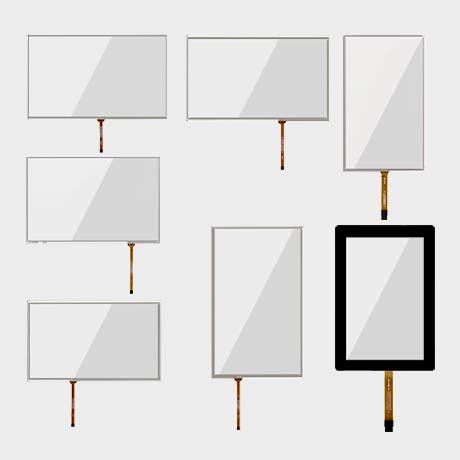
Resistive touch screens register input through pressure applied to the screen surface, making them versatile for various input methods.
Comprising two flexible layers separated by a gap, these screens detect touch when the layers are pressed together, changing the electrical resistance and signaling a touch event.
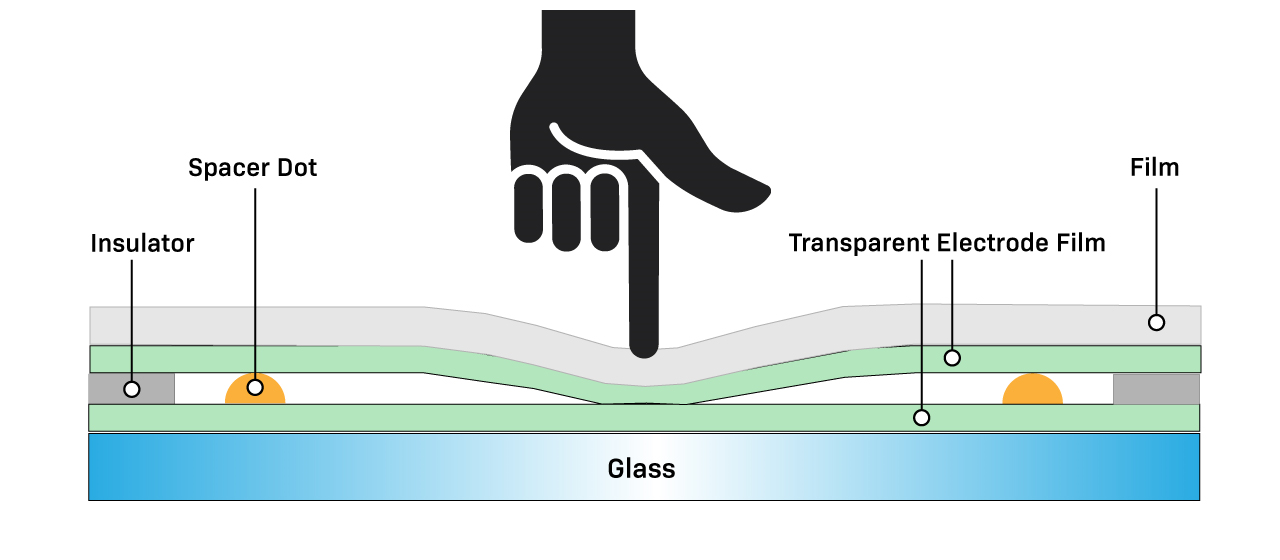
Resistive touch screens are less sensitive to light touches but can be operated with fingers, gloves, or styluses. They are generally more affordable and perform reliably in harsh environments. However, they offer lower optical clarity due to additional layers and are typically limited to single-touch input.
Operable with various input methods, including gloved hands.
Cost-effective and simple to manufacture.
Reliable performance in challenging environments.
Lower touch sensitivity and optical clarity.
Limited to single-touch functionality.
Comparing capacitive and resistive touch screens involves evaluating factors like sensitivity, durability, cost, and environmental adaptability.
Capacitive screens excel in sensitivity and multi-touch capabilities but may falter in extreme conditions. Resistive screens offer versatility and durability but lack the responsiveness and clarity of their capacitive counterparts.
| Feature | Capacitive Touch Screen | Resistive Touch Screen |
|---|---|---|
| Touch Sensitivity | High | Moderate |
| Multi-Touch Support | Yes | Limited |
| Input Methods | Conductive (e.g., finger) | Any (e.g., stylus, glove) |
| Optical Clarity | High | Moderate |
| Durability | Scratch-resistant glass | Flexible layers prone to wear |
| Environmental Suitability | Less ideal for harsh conditions | Performs well in various environments |
| Cost | Higher | Lower |
Capacitive screens provide a superior user experience in terms of responsiveness and visual clarity.
Resistive screens are more versatile regarding input methods and environmental resilience.
Cost considerations may favor resistive screens for budget-sensitive applications.
Selecting the appropriate touch screen technology depends on the specific requirements and constraints of your intended application.
Consider factors such as the operating environment, desired user interaction, budget, and input methods when choosing between capacitive and resistive touch screens.
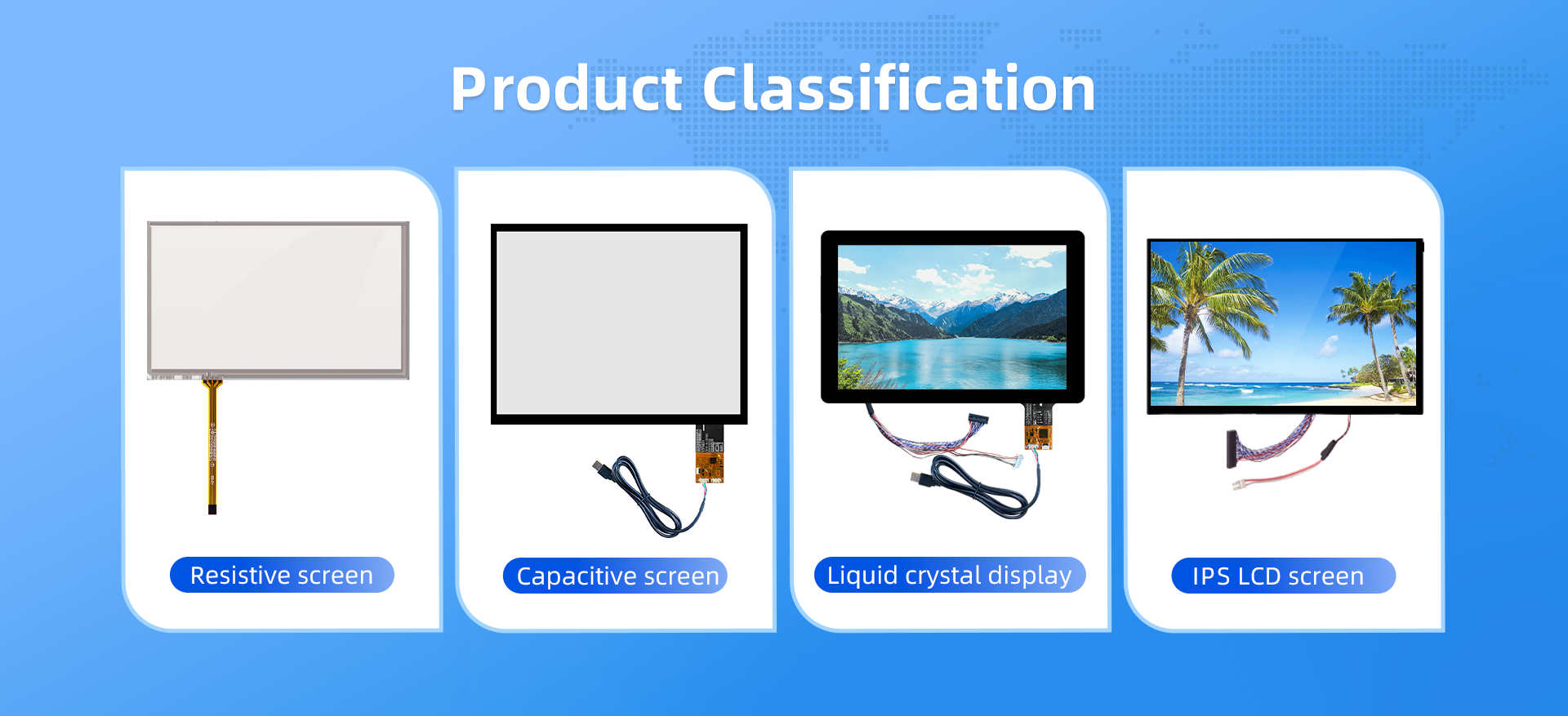
Consumer Electronics: Devices like smartphones and tablets benefit from capacitive screens due to their responsiveness and multi-touch capabilities.
Industrial Applications: Environments with exposure to dust, moisture, or the need for gloved operation are better suited for resistive screens.
Medical Equipment: Resistive screens are preferred for their compatibility with various input methods and ease of sterilization.
Outdoor Kiosks: Resistive screens perform reliably in varying weather conditions and with different user inputs.Touch Screen Manufacturer+8av-display.hk+8indutouch.com+8
Sub-heading Claims
Capacitive screens are ideal for applications prioritizing user experience and visual performance.
Resistive screens are suitable for environments requiring durability and versatile input options.
Budget constraints and environmental factors are critical in determining the appropriate technology.
Both capacitive and resistive touch screens have unique advantages and limitations. Capacitive screens offer high sensitivity and visual clarity, making them suitable for consumer electronics and applications where user experience is paramount. Resistive screens provide versatility and durability, ideal for industrial, medical, and outdoor environments. The choice between the two technologies should be guided by the specific needs of the application, including environmental conditions, input methods, and budget considerations.

